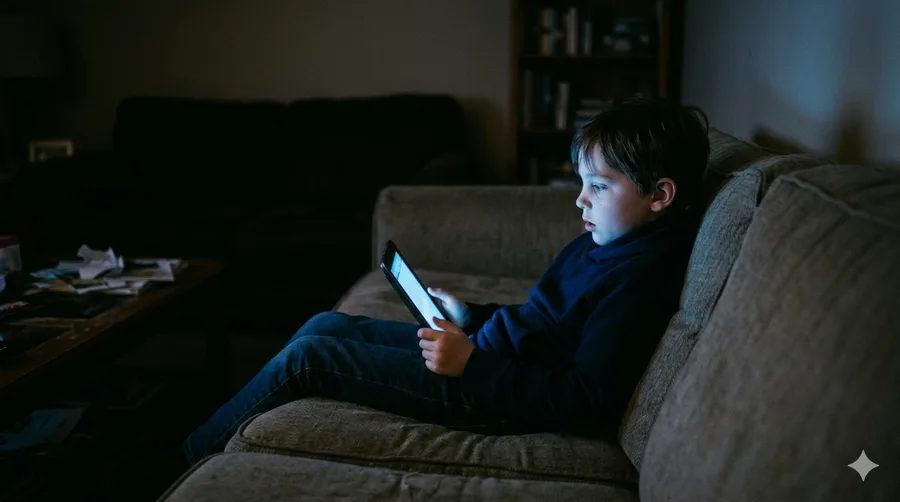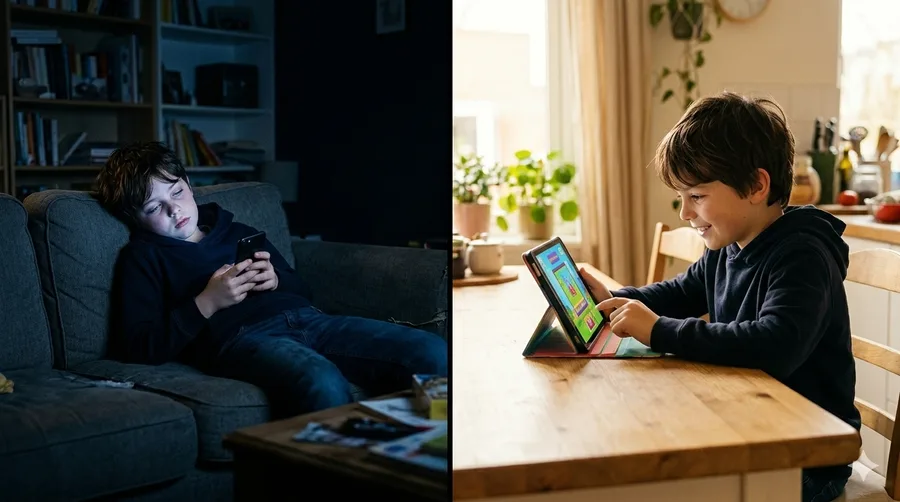
The problem was never the screen. It was always what was on it. Swapping TikTok for a 10-minute learning app doesn't mean less screen time — it means better screen time.
The Screen Time Debate Gets It Wrong
Every few months, a new study warns parents about screen time. Two hours maximum. No phones before bed. No screens at the dinner table.
And every few months, parents read those headlines, feel guilty, and go right back to handing over the tablet because the alternative — a meltdown at the grocery store — is worse.
Here's the uncomfortable truth: screens are not going away. Your kids will grow up in a world where screens are tools for work, creativity, communication, and learning. The goal isn't to raise children who avoid screens. It's to raise children who use them well.
A 2023 study from the American Academy of Pediatrics made a distinction that most headlines missed: the type of content matters more than the total time. Children who spent 30 minutes watching educational videos showed measurable gains in vocabulary and comprehension. Children who spent the same 30 minutes on passive entertainment showed none.
Same screen. Same duration. Completely different outcome.
What "Quality Screen Time" Actually Looks Like
Quality screen time has three features:
- Interaction — The child responds, answers, decides. Passive watching doesn't count.
- Progression — There's something to get better at. Skills build over time.
- A natural stopping point — Endless scrolling is engineered to prevent stopping. Good learning tools aren't.
The apps that check all three boxes are the ones worth knowing about.
5 Screen Time Alternatives Worth Trying
1. BrainOshi — 10–15 Cards a Day, Then Done
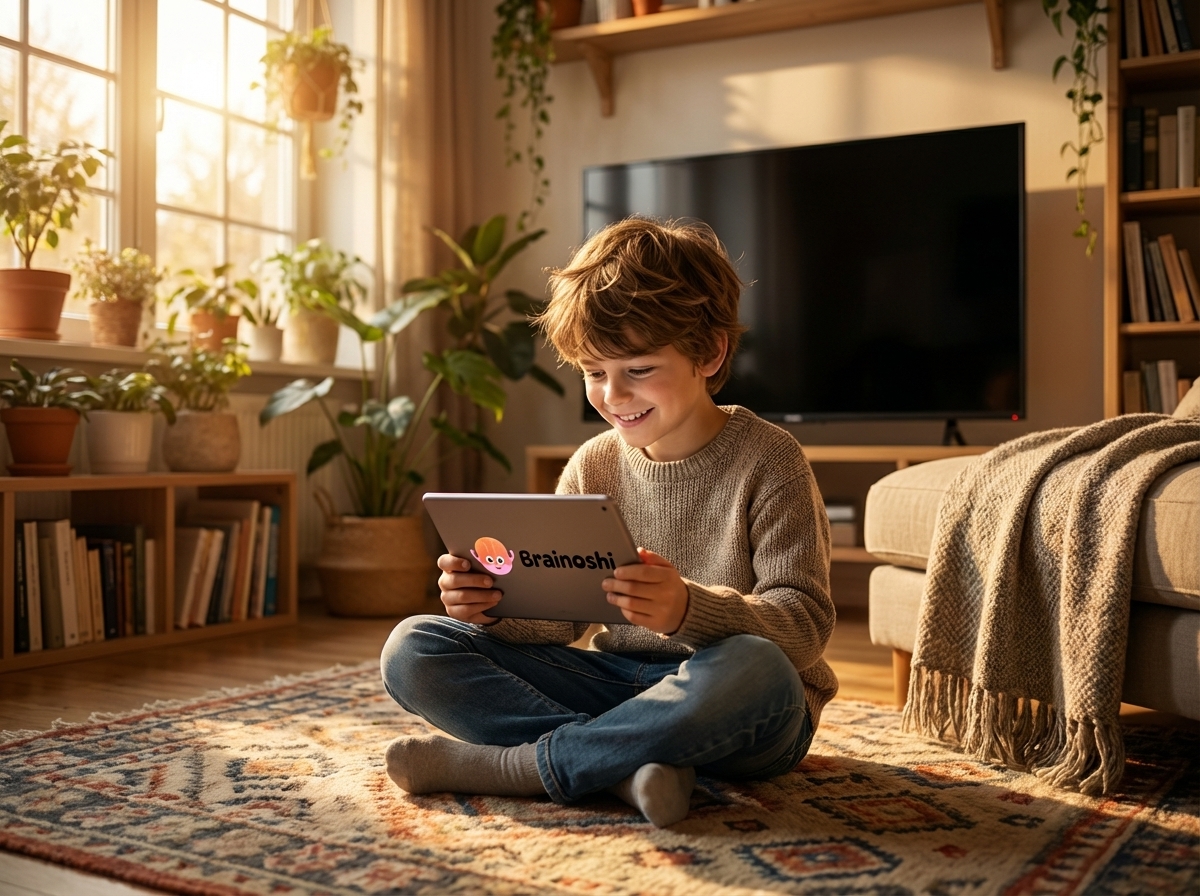
BrainOshi sends kids 10–15 interactive cards each day — a mix of quiz, true/false, and multiple-choice questions across general knowledge, science, maths, history, and geography. When the cards are done, the deck is finished. There's no "just one more," no infinite scroll, no autoplay pulling them deeper.
For parents, that stopping point is the feature. Kids aged 6–15 can build a daily learning habit in under 10 minutes. Streaks, points, and rare cards keep them coming back. Progress is tracked so parents can see exactly what their child is working on.
Plans start free, with Premium at $4.99/month if you want full access across all subjects and languages (English, French, Arabic, Spanish). For families with multiple kids, that's cheaper than one coffee.
The research behind this format is solid. Spaced repetition — the practice of reviewing information at intervals rather than all at once — has been shown to improve long-term retention by up to 80% compared to massed study sessions (Cepeda et al., 2006, Psychological Bulletin).
2. Duolingo — One Subject, Nothing Else
Duolingo teaches languages — and only languages. No science, no history, no geography, no maths. If your child spends 10 minutes on Duolingo, they’ve practiced vocabulary in one language. On BrainOshi, those same 10 minutes cover seven subjects.
The gamification is also a double-edged sword. Guilt-tripping notifications, a hearts system that penalizes mistakes, and ads on the free tier create an experience some parents find stressful for kids rather than motivating.
Biggest drawback: Duolingo has no fixed stopping point. Sessions run indefinitely, putting you back to setting timers and negotiating — the problem BrainOshi solves by design with its finite deck.
3. Khan Academy Kids — Solid Start, Hard Ceiling
For younger children (2–8), Khan Academy Kids builds foundational skills in reading and maths. It’s free and ad-free. But kids outgrow it fast, and there’s no gamification that builds a lasting daily habit. Once your child is past age 7–8, BrainOshi picks up where Khan Academy Kids stops.
Try BrainOshi free — see how it works in 10 minutes →
The content is curriculum-aligned, which reinforces classroom learning. But the open-ended format lacks the daily-habit mechanics — streaks, rare cards, finite decks — that make BrainOshi so effective for older kids.
4. Epic! — The Netflix of Kids' Books
Epic! gives children access to over 40,000 books, audiobooks, and educational videos. For reluctant readers, audiobooks are a legitimate bridge to independent reading — research from the University of Virginia found that listening to audiobooks improves comprehension and builds vocabulary at rates comparable to independent reading for early readers.
The platform is free for educators; families pay $9.99/month. If your child's school uses it, ask for the classroom code — it gives access to free home access.
5. Prodigy Math — Maths Disguised as an RPG
Prodigy is a fantasy game where progress requires answering maths questions correctly. The gamification is deep: characters, gear, pets, battles. Kids who claim to hate maths will spend 20 minutes in Prodigy without noticing they're doing curriculum-aligned problem sets.
The free version is functional. The paid membership ($9.95/month) gives access to premium in-game content but isn't required for the educational component.
A Practical Swap Plan for Parents
You don't need to restructure your household. You need one small rule:
Before any entertainment screen time, 10 minutes of learning screen time.
That's it. No bans. No long lectures about the dangers of social media. Just a habit: learning comes first, then the fun stuff.
For kids 6–10: BrainOshi before YouTube. The deck takes 10 minutes and ends itself.
For kids 10–15: BrainOshi before any social app. The finite deck format respects their time while building real knowledge.
For reluctant readers: BrainOshi’s quiz-card format works well — kids who won’t pick up a book will play a card game. For audiobook lovers, Epic! is a solid supplement.
The order matters. Starting with learning and moving to entertainment is easier to enforce than the reverse. And after a few weeks, the learning part stops feeling like a tax — it becomes part of the routine.
What to Look For (and Avoid)
Look for:
- A clear endpoint to the session
- Content that matches your child's actual school curriculum
- Progress tracking you can see
- Gamification that rewards effort, not just time spent
Avoid:
- Apps that auto-play into the next activity
- Platforms that bury progress data behind paywalls
- "Educational" games where the learning is incidental to the gameplay
The best sign that an app is genuinely educational? Your child can tell you something they learned. Not just a score. An actual fact.
The Bigger Picture
The households where kids use screens well are not the ones where parents fought hardest to restrict them. They're the ones where parents made learning the path of least resistance.
When BrainOshi’s daily deck is already open and waiting — when your child’s streak is at 47 days and they’re chasing that next Legendary card — entertainment screen time happens later, and it happens in a different context. Not as the default state, but as a reward after something real.
That's a shift worth making. And it takes about five minutes a day.
Try BrainOshi Free — No Credit Card Required
Set up in under 3 minutes. Pick your child's age, choose the topics they enjoy, and their first daily deck is ready. The session ends on its own — no negotiation needed.
Start free at brainoshi.com →FAQ
How much screen time is actually okay for kids?
The American Academy of Pediatrics recommends no more than 1 hour per day for children aged 2–5, and consistent limits for ages 6 and older — with an emphasis on content quality. For school-age children, interactive and educational screen time is treated differently from passive entertainment.
Can educational apps really replace traditional learning?
No, and that's not the right question. Educational apps work best as a supplement — consistent daily practice that reinforces what children are learning in school. Five minutes of spaced-repetition quizzes on BrainOshi, done daily, will improve long-term retention better than a two-hour study session once a week.
What screen time alternatives work for kids who hate reading?
Audiobooks (Epic!, Audible) are a proven bridge for reluctant readers. Educational quiz apps like BrainOshi work well for kids who prefer a game format. The key is finding the format that feels like a game rather than homework.
At what age should kids start using educational apps?
Khan Academy Kids is designed for ages 2–8. BrainOshi is built for ages 6–15. Most language apps like Duolingo work well from age 6 or 7 onward. The starting point matters less than the consistency — a 15-minute daily habit started at 7 will compound significantly by the time a child is 12.
How do I get my child to actually use the app?
Start it yourself, in front of them. Ask them to answer one card. Let them see you engage with it. Habit research consistently shows that the first few sessions require parental involvement — after that, the gamification mechanics (streaks, rare cards, XP) take over.